GoDaddy DNS Setup
Use these steps to publish Arsel SPF, DKIM, and DMARC records in GoDaddy.
- Sign in to GoDaddy.
- Open My Products and select your domain.
- Click DNS then Manage DNS.
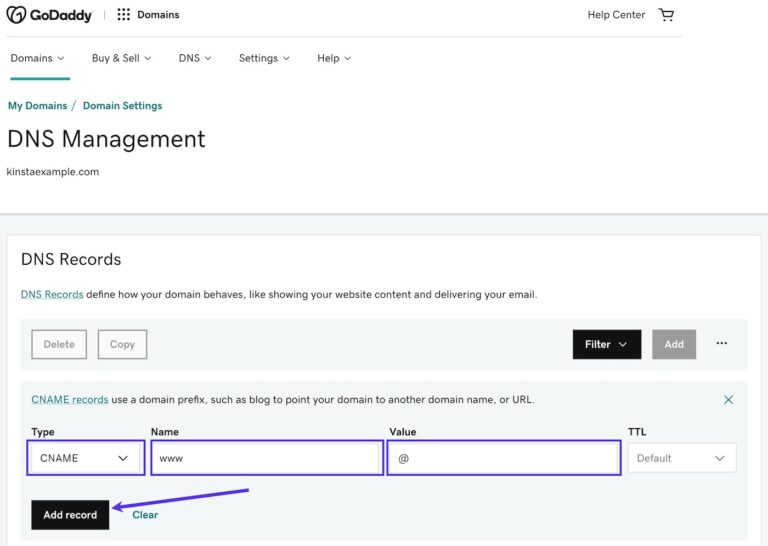
- Add each Arsel record using Add New Record.
- Use host values exactly as Arsel provides:
@for root-domain SPF (when Arsel specifies root)- DKIM selector host (for example
selector1._domainkey) _dmarcfor DMARC
- Save changes and allow time for DNS propagation.
- Return to Arsel and wait for the domain status to update automatically.
Once your records are published, return to Domain Verification to complete the process.