Namecheap DNS Setup
Use these steps to publish Arsel SPF, DKIM, and DMARC records in Namecheap.
- Sign in to Namecheap.
- Open Domain List and click Manage for your domain.
- Select the Advanced DNS tab.
- Under Host Records, add all Arsel-provided entries.
- Use TXT Record for SPF/DMARC and CNAME Record for DKIM when Arsel shows DKIM as CNAME.
- Save all changes and wait for DNS propagation.
- Return to Arsel and wait for the domain status to update automatically.
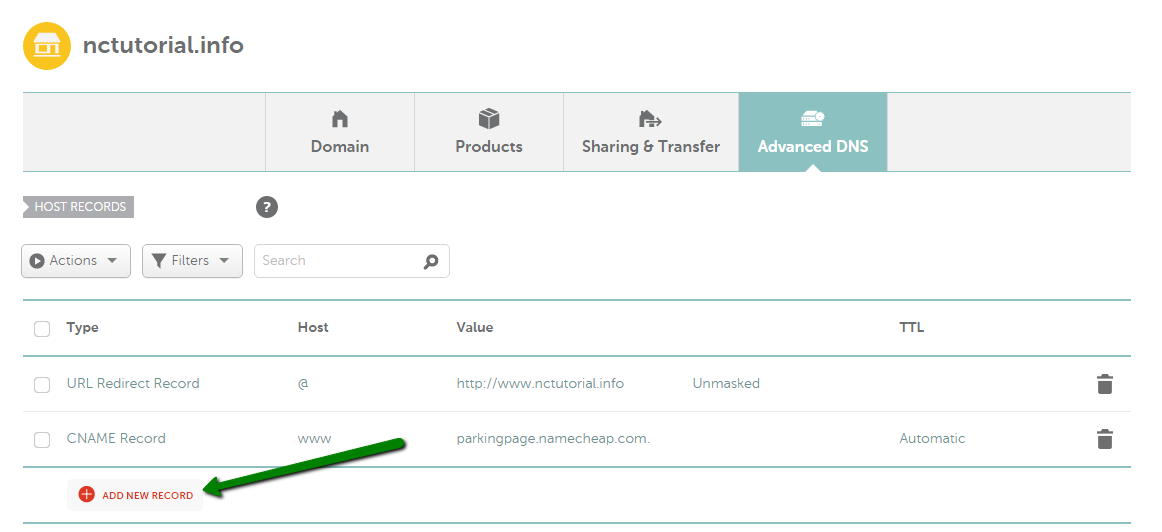
Namecheap - How to create a DNS record
Once your records are published, return to Domain Verification to complete the process.